








What is Neal.fun Unblocked?
Neal.fun Unblocked is a collection of browser games and web toys inspired by Neal Agarwal's neal.fun. Every title opens in your browser with no login and no download, so you can start playing in a few seconds on a computer, tablet or phone.
The list covers creative sandboxes like Infinite Craft, puzzles like The Password Game, science visualizations like Asteroid Launcher and The Deep Sea, and newer releases such as Cursor Camp and Unusual Suspects.
How to start playing
Pick a game
Browse the grid, search by name or filter by category.
Press Play
The game loads only after you press Play, so pages stay fast.
Go fullscreen
Use the fullscreen button for more room on any device.
Install it
Add the site to your home screen to open it like an app.
Popular games to try first
Infinite Craft
Infinite Craft is a crafting sandbox with no end goal. You start with four elements, Water, Fire, Wind and Earth, and drag one onto another to combine them into something new.
The Password Game
The Password Game starts with a simple request: choose a password. Then the rules keep arriving, and each new rule is stranger than the last.
Asteroid Launcher
Asteroid Launcher lets you choose an asteroid, set how fast and at what angle it hits, and pick where on Earth it lands.
The Deep Sea
The Deep Sea is a scrolling journey from the surface to the bottom of the ocean. At each depth you meet the animals that live there.
Draw a Perfect Circle
Draw a Perfect Circle gives you one stroke to draw a circle freehand. The game scores how round it is, and the challenge is harder than it looks.
Spend Elon Musk's Money
Spend Elon Musk's Money gives you a huge fortune and a shop full of items to buy, from small everyday things to enormous purchases.
Cursor Camp
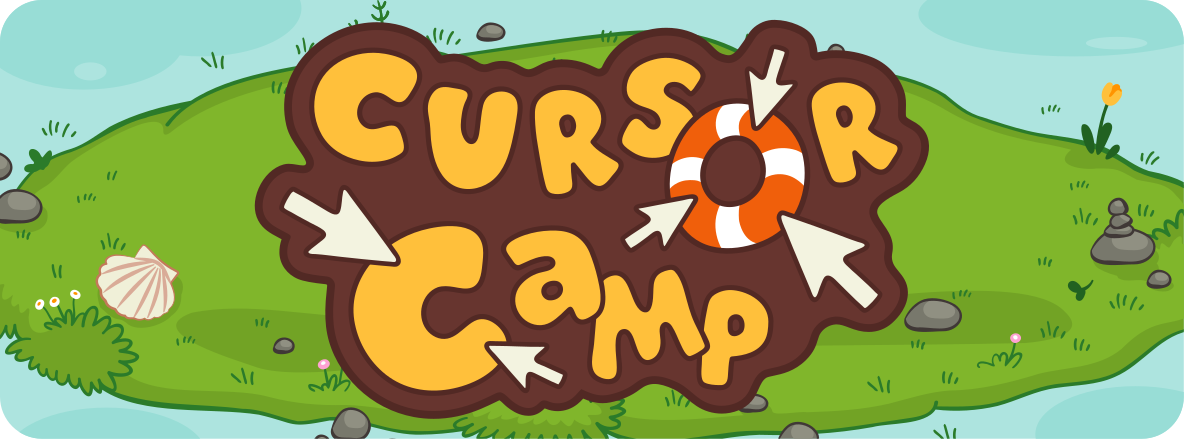
Cursor Camp is a multiplayer hangout where every visitor is a small cursor. There is no text chat, no usernames and no profiles; you communicate only by moving around and watching others do the same.
Ambient Chaos
Ambient Chaos is a sound mixer. You layer different ambient sounds and set the volume of each to build your own background atmosphere.
Frequently asked questions
Are these games really free to play?
Yes. Every game on this site is free to play. There are no subscriptions, no paid unlocks and no hidden charges.
Do I need an account or login?
No. All 42 games open without an account, a login or a download.
Are the games unblocked at school or work?
We aim to make the games reachable from restricted networks, but we can't promise that every school or workplace filter will allow them. If a game does not load, try another one or a different network.
Do the games work on phones and tablets?
Yes. The site is responsive and works on modern phones, tablets and desktops. You can also install it to your home screen as an app.
Is this the official Neal.fun website?
No. This is an independent fan site. It is not affiliated with Neal.fun or its creator Neal Agarwal. The official site is neal.fun.
What is Infinite Craft?
Infinite Craft is a crafting sandbox where you start with Water, Fire, Wind and Earth and drag elements onto each other to create new ones. There is no end goal; the fun is in discovering what you can make.
What makes The Password Game so hard?
The Password Game keeps adding stranger rules for your password. Fixing one rule often breaks another, which turns a simple task into a funny and frustrating puzzle.
How do I install the site as an app?
Use the Install app button at the top of the page when it appears. On iPhone and iPad, open the Share menu in Safari and choose Add to Home Screen.